
◎ INSTAGRAMTRIGGER
NEW COMMENT
Any Reel or post


AUTOMATION STUDIO FOR CREATORS
Turn Instagram comments into conversations, qualified leads, and booked calls without losing the human touch.
Free plan · No credit card · Connect Instagram when you’re ready
Secure Google sign-in. No password stored by NextPost. Privacy · Terms
Any Reel or post
Contains “GUIDE”
Send creator guide
creator.co/guide
From your next post to your next opportunity, explore the tools that move your creator business forward.
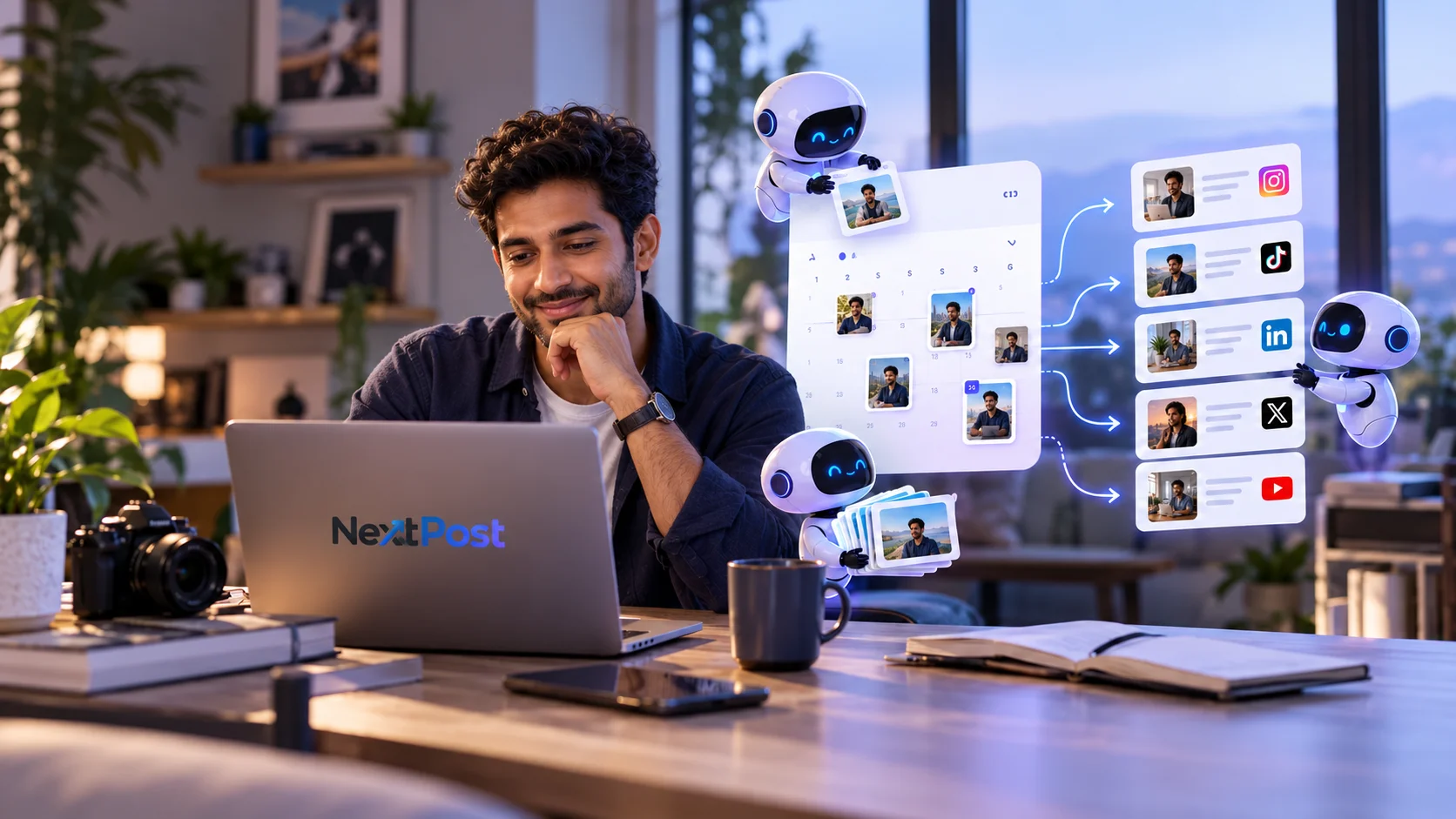
Plan your content ahead and keep your publishing calendar in one place, so you can focus on creating.
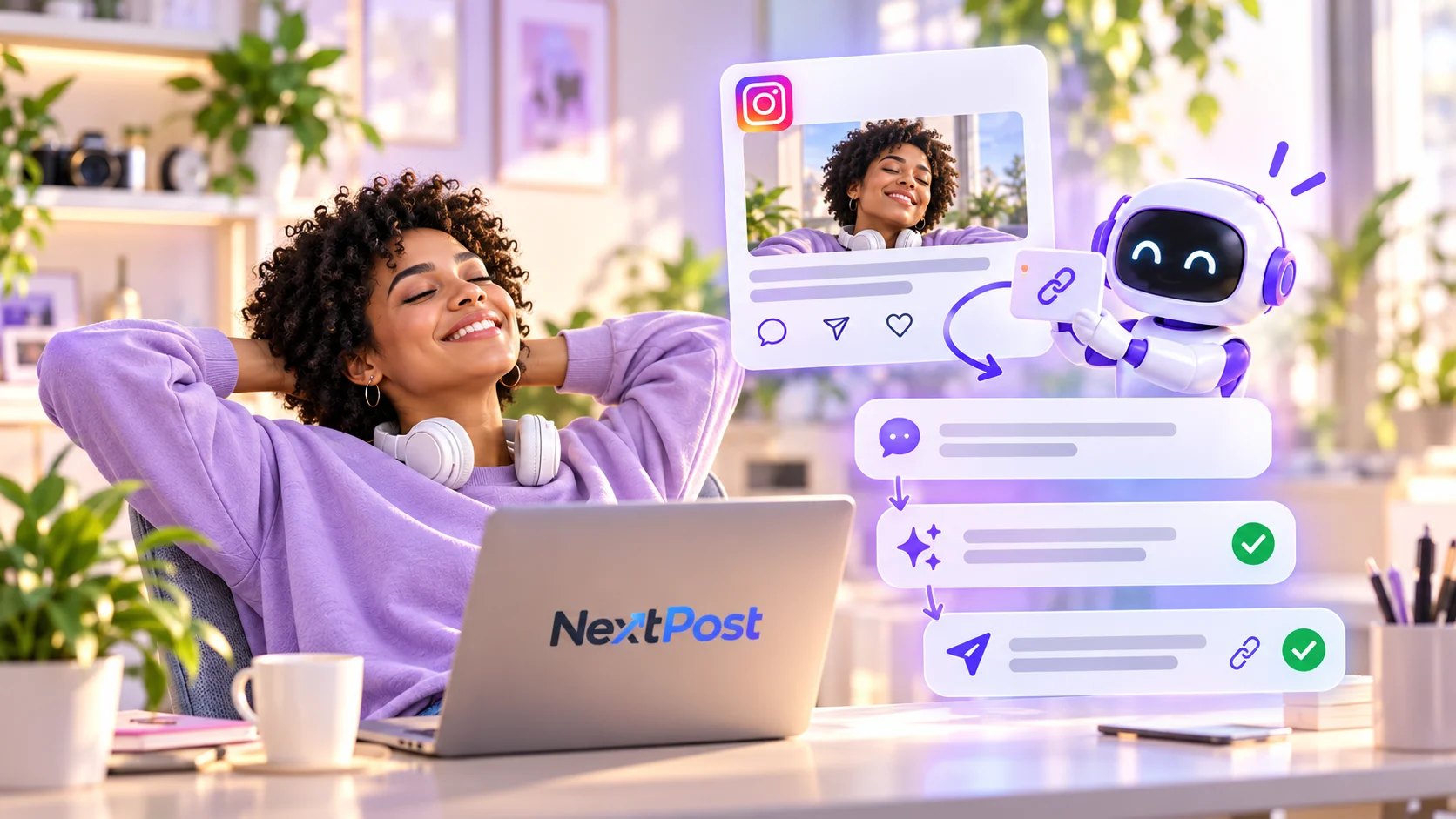
Turn a comment into a useful next step with keyword triggers, private replies, and follow-ups you can inspect.
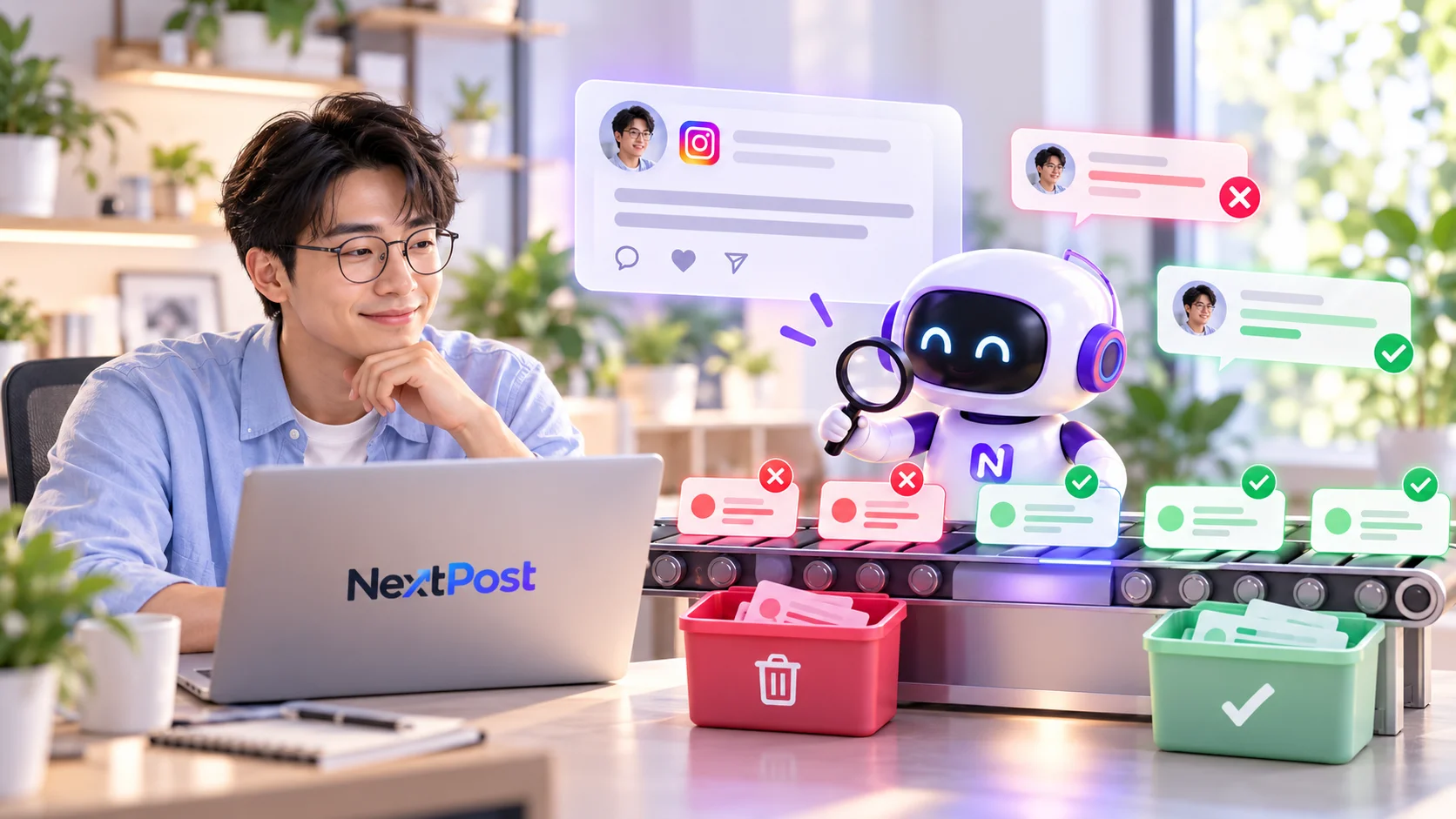
Set comment rules, flag unwanted content, and review moderation activity from one place. Keep the conversation welcoming, with you in control.
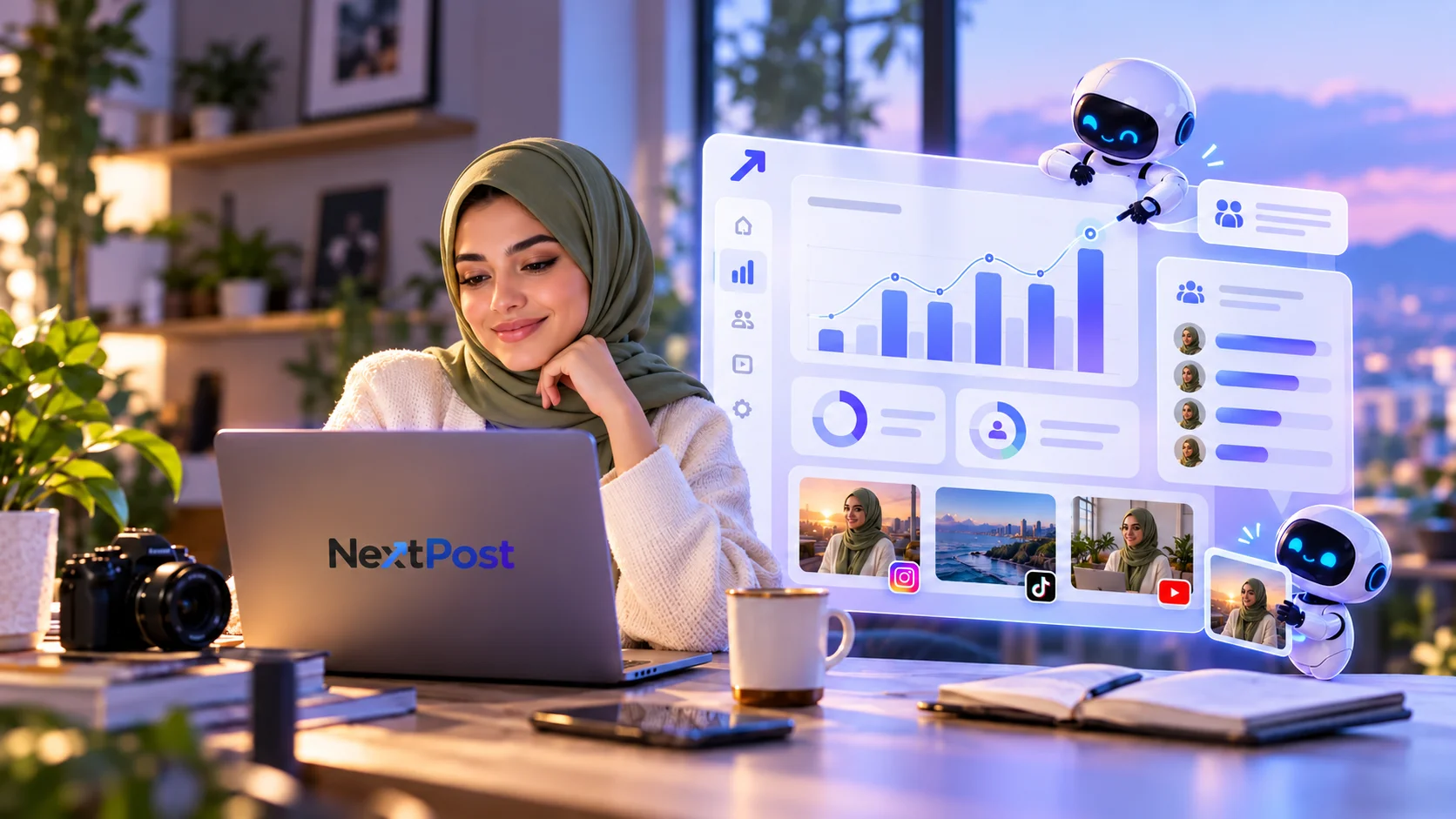
Understand what your audience asks for and see which content and automations lead to meaningful activity.
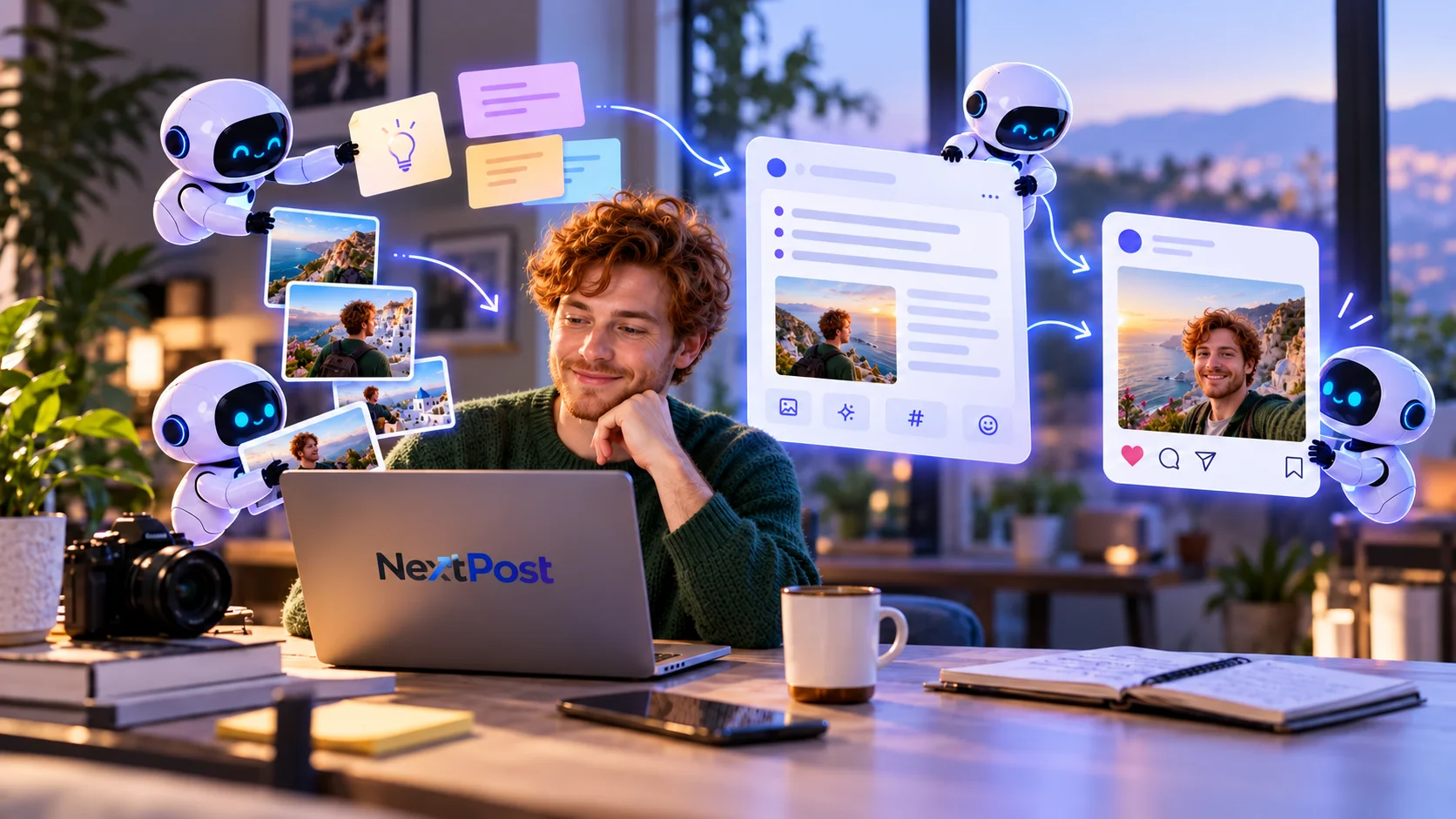
Develop ideas and draft captions from your content, with you in control of the final post. AI credits cover the work you use.
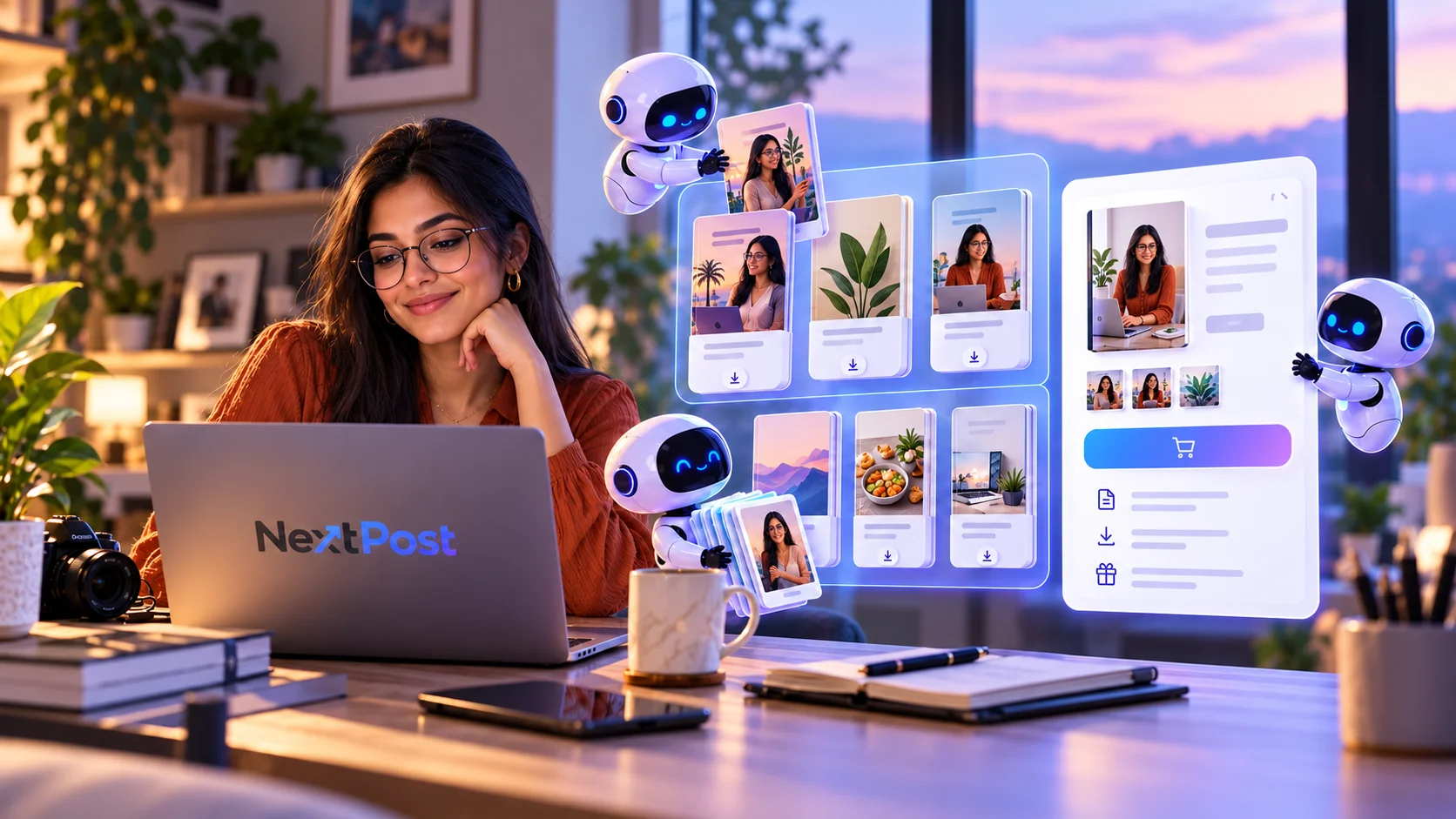
Give your guides and downloads a home. Share one storefront link and let your audience discover what you have to offer, without the back-and-forth.
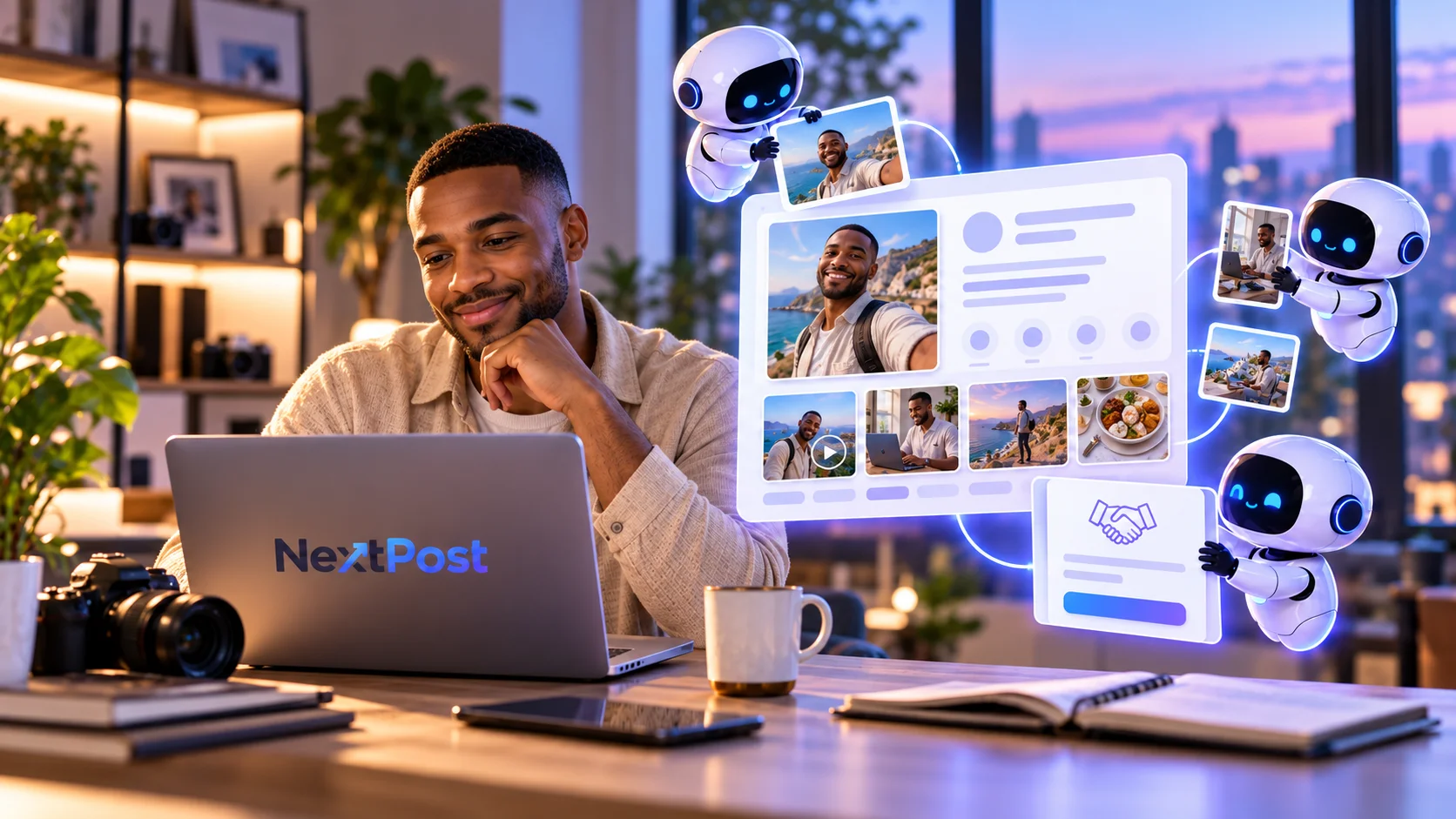
Bring your profile and best work into one polished media kit. Send brands a link you feel confident sharing, without rebuilding a pitch every time.
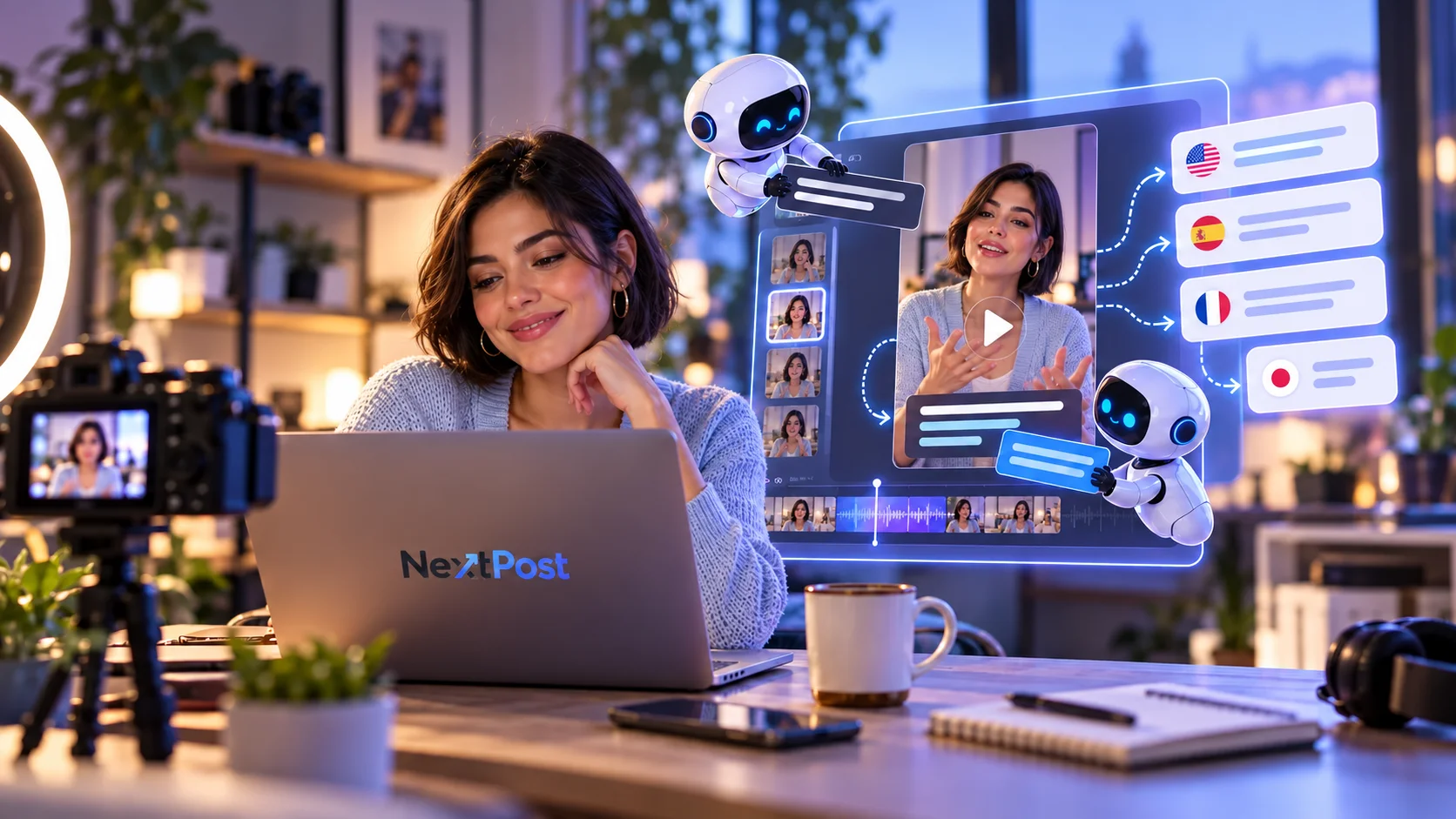
Add captions and translations to your videos, then review them before sharing with your audience.
Link Instagram (Creator or Business) with clear permissions.
Pick a trigger, response, and next step.
Watch live signals and improve from real activity.
Every workspace starts on Free. Starter unlocks unlimited automations; Elite and Pro add scheduling and monthly AI credits. Top up credits on any plan.
AI credits power captions, translations and AI writing. They never expire.
Scoped access, encrypted credentials, and honest connection health. Disconnect anytime.
Instagram comments into private DMs, public replies, follow-to-unlock messages, resources and bookings. You can also schedule posts and moderate comments.
Instagram Professional accounts (Creator or Business). You connect through Instagram’s official sign-in and can disconnect any time.
NextPost uses Instagram’s official API with the permissions you approve, and keeps sending within Instagram’s limits. Your password is never shared with us.
No. Sign in with Google and start on the Free plan. Upgrade only if you need more automations, accounts or AI credits.
Each automation you publish in a month counts once. Edits and pauses are free.
Credits pay for AI work like captions, ideas and video captions. Paid plans add credits monthly. They don’t expire.
Yes. Add guides or downloads, share one storefront link, and get paid to your verified bank account.
Plans are prepaid and don’t auto-renew. When one ends you’re back on Free with your work intact.
Disconnect accounts in Settings, or follow the steps on our Data Deletion page. You can also email support@nextpost.studio.
Free plan · No credit card · Connect Instagram when you’re ready.